Skies and backdrops
A shader sky lit by the pointer, a gradient mesh, drifting orbs, light rays, waves and a perspective grid.
A drag-and-drop editor, an AI builder that times every step and runs to the end, and a timeline on every block.
A site is a single document of blocks. The editor, the preview and the published page are drawn from it by the same renderer, so what you arrange is what visitors get.
// one block, as the document stores it
{ "type": "heading",
  "props": { "text": "Open late on Fridays", "level": 1,
    "anim": { "tracks": [ { "on": "view", "keys": [
      { "t": 0, "v": { "y": 40, "opacity": 0 } },
      { "t": 1, "v": { "y": 0 }, "ease": "spring" } ] } ] } },
  "style": { "base":   { "fontSize": "72px" },
"mobile": { "fontSize": "40px" } } }/p/…It interviews you, drafts three design concepts, judges them against each other and builds the one that wins. The estimated cost is on screen before you start.
Every step is timed, and you watch the times come in. There is no clock cutting the build short: the concept, the plan, every page, the pictures and the review all run to the end. The only limit is the cost cap you set.
Each page is opened in a real browser at desktop and phone size, measured, and read against the design checklist. What fails goes back to the AI as edits, saved as a version of its own.
Put one behind a section or on a single block, shape it with sliders, and choose what phones get. Effects run only while they are on screen.
A shader sky lit by the pointer, a gradient mesh, drifting orbs, light rays, waves and a perspective grid.
Starfield, floating particles with links, snow, a confetti burst and film grain.
Spring letters that dodge the pointer, words made of particles, odometers.
A marquee that leans with the scroll, stacked cards, a pinned sideways gallery, a route that draws itself.
A page cursor, a picture that trails the pointer, a tilt with a glare, ripples.
This page: 8 of 12 effect points. A shader sky costs 5, floating particles 3, most others 1 or 2. Go over and Publish asks first.
Animation mode opens a drawer under the page with a layer for everything that moves. The one at the top of this page is a small copy of it.
Each key can set position, scale, rotation, 3D tilt, skew, opacity and blur. Curves between keys are shaped in the graph editor, moves can follow a motion path, and tracks play when a block comes into view, when the page opens, along the scroll or on hover.
Visitors who find motion hard can stop it with one press, and a device that asks for reduced motion gets the still version from the start. This page has one too.
Fonts come through the studio, video players wait for a click, and the visit counter talks only to us. Your visitors' addresses stay here.
Replies land in your inbox and in a list you can filter and export. Spam is screened without a puzzle.
Visits, sources and how long people read each section, counted without cookies.
Visitors from places whose rules ask for it see a short bar first. Everyone else is simply counted.
Point a DNS record at the studio and the certificate and server are handled for you.
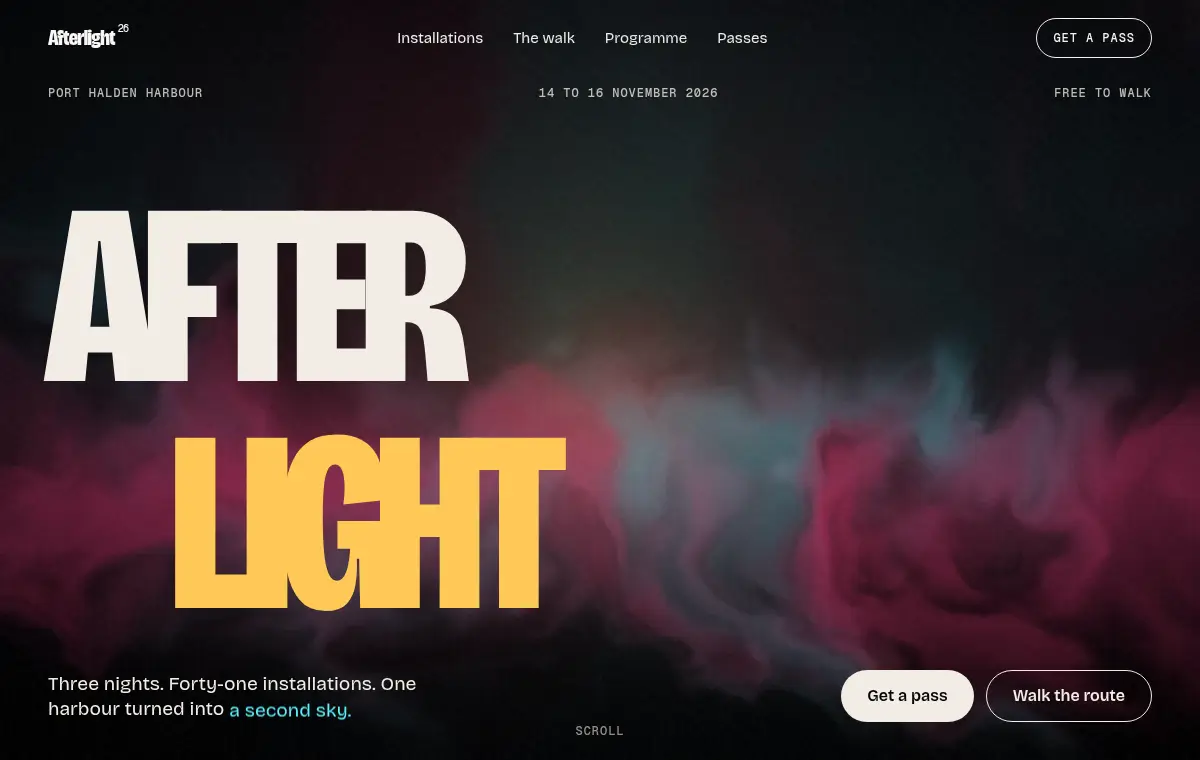
Afterlight is a made-up festival of light, built as an example page. The effect library was ported from it, and it is what the studio's motion is measured against.
See the example